
Posted by Keyss
Application Client Container vs Native App Development: What US Businesses Should Choose in 2026
If your company is planning a mobile app in 2026, the biggest risk is not cost or timeline, it is choosing the wrong architecture. Many US businesses start building without realizing that the foundation they pick will affect security, scalability, compliance, and long-term ROI for years. The real decision often comes down to this: should you use an application client container or build a fully native app? The right choice depends on your users, data sensitivity, budget, and growth plans. Get it wrong, and you may face expensive rebuilds. Get it right, and your app becomes a long-term asset.
The Short Answer Which Should You Choose?
An application client container is usually the better choice for enterprise apps that handle sensitive data, support employees, or need strict security controls across many devices. Native app development is often better for consumer products that rely on performance, advanced device features, or highly polished user experiences.
Most US businesses in finance, healthcare, logistics, government, and large retail lean toward containerized solutions because they reduce risk and simplify management. Startups building customer-facing apps often choose native builds to maximize speed and engagement.
What Is an Application Client Container?
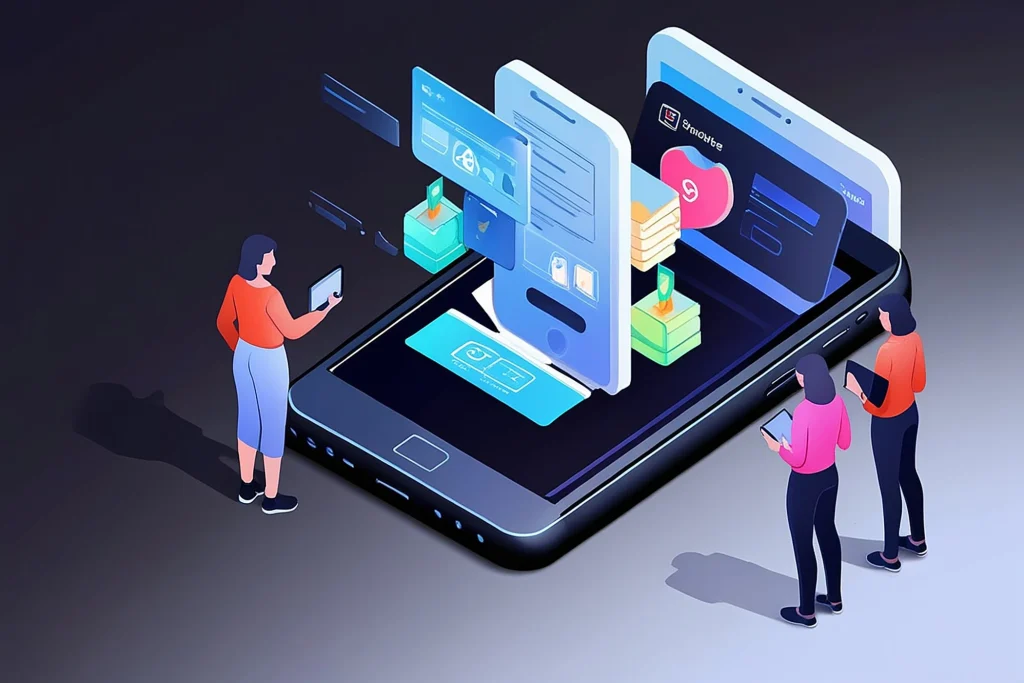
An application client container is a secure environment that runs inside a mobile device. It isolates business apps and data from personal apps. Think of it as a locked workspace on a phone or tablet.
Companies use containers when employees bring their own devices to work. The container keeps corporate information safe without controlling the entire device.
Why Containers Exist
Modern workplaces are mobile. Sales teams, field workers, healthcare staff, and executives access data from phones everywhere. Without protection, sensitive information could leak through personal apps, unsecured networks, or lost devices.
Containers solve this by separating work from personal use.
What Runs Inside the Container
Typical containerized apps include:
- Email and messaging tools
- Internal dashboards
- CRM systems
- Document access apps
- Field service software
- Secure browser tools
Because everything stays inside the protected space, IT teams can manage it remotely.
What Is Native App Development?
Native apps are built specifically for one operating system, such as iOS or Android. They use the platform’s official tools and programming languages.
This approach delivers maximum performance and deep access to device features like camera controls, sensors, biometrics, and offline storage.
Why Many Consumer Apps Choose Native
Apps used by customers must feel fast, smooth, and intuitive. Shopping apps, banking apps, streaming platforms, and social media tools rely on native development to deliver premium experiences.
Native apps also integrate tightly with app stores, notifications, and system features.
Security The Biggest Decision Factor for US Enterprises
Security concerns drive many architecture choices in the US. Data breaches carry legal, financial, and reputational consequences. Regulations such as HIPAA and financial compliance rules require strict protection.
An application client container provides strong safeguards because corporate data never mixes with personal data. If a device is lost, IT teams can wipe only the container without touching personal content.
Organizations often combine containers with advanced protection tools such as firepower threat defence to monitor network activity and block attacks.
Native apps can also be secure, but they require careful design and ongoing updates. Security responsibilities fall more heavily on the development team.
Cost and Timeline What Businesses Often Underestimate
Cost is not just about building the app. It includes maintenance, updates, security patches, support, and scaling.
Containerized apps usually cost less to deploy across large organizations because they run within an existing framework. Updates can be pushed centrally without requiring users to reinstall apps.
Native apps often require separate builds for iOS and Android. That means more development time, testing, and maintenance. For companies using external app development services, this can significantly increase budgets.
Performance Where Native Still Wins
When performance is critical, native development has an advantage. Graphics-heavy apps, gaming platforms, augmented reality tools, and high-speed transaction systems benefit from direct access to hardware.
Containers add a small layer between the app and the device. For most business tools, this difference is not noticeable. For demanding consumer apps, it can matter.
User Experience Internal vs Customer-Facing Apps
Employee tools prioritize reliability and security. Customer apps prioritize usability and delight.
A field technician checking service records cares more about accuracy than animations. A shopper browsing products expects smooth scrolling, fast search, and personalized recommendations.
This difference often determines the architecture choice.
Scalability Planning for Growth
Many US companies underestimate how fast successful apps grow. An architecture that works for 500 users may struggle with 50,000.
Application client containers scale efficiently for enterprise deployment. IT teams can onboard thousands of employees quickly and enforce policies consistently.
Native apps scale well on the consumer side but require strong backend systems. This is where robust software development services and infrastructure planning become essential.
Compliance and Data Control
Industries like healthcare, finance, and government operate under strict rules. Data must be stored, transmitted, and accessed in controlled ways.
Containers help meet compliance requirements because they centralize security policies. Access controls, encryption, and remote management are built into the system.
Native apps can meet compliance standards too, but they demand more custom engineering and monitoring.
Device Management and BYOD Policies
Bring Your Own Device programs are common across US businesses. Employees prefer using personal phones for work tasks.
Containers make this possible without invading privacy. Companies control only the workspace, not personal apps, photos, or messages.
Without containers, organizations may need full mobile device management, which many employees resist.
Integration With Existing Systems
Most enterprises already rely on legacy software, cloud platforms, and internal databases. Replacing everything at once is unrealistic.
Containerized apps often integrate smoothly with existing tools because they act as secure gateways. Native apps can integrate too, but the process may require custom APIs and additional development.
Maintenance Over the App’s Lifetime
An app’s lifespan often exceeds its initial development phase. Updates, bug fixes, new features, and security improvements continue for years.
Containers simplify maintenance because changes can be deployed centrally. Native apps require ongoing updates across multiple platforms and versions.
Companies investing in long-term digital transformation often prefer solutions that reduce operational complexity.
Real-World Example Healthcare Provider
A large US healthcare network needed mobile access to patient records for doctors across many locations. Security and compliance were top priorities.
They chose an application client container so medical staff could use personal devices safely. The organization avoided buying thousands of corporate phones and remained compliant with privacy laws.
Performance demands were moderate, so native development was unnecessary.
Real-World Example Retail Shopping App
A national retailer launched a customer shopping app with advanced product browsing, personalized offers, and real-time inventory updates.
They chose native development to deliver speed, visual polish, and seamless payment integration. Security was still important, but customer experience drove the decision.
The Role of Full Stack Expertise
Whether you choose containerization or native development, success depends on the underlying architecture. Skilled Full Stack Development teams ensure that frontend apps, backend systems, databases, and integrations work together smoothly.
Poor backend design can ruin even the best mobile interface.
How Businesses Make the Final Decision
Most organizations evaluate several factors together:
- Data sensitivity
- User type (employees or customers)
- Performance requirements
- Budget and timeline
- Compliance obligations
- Integration needs
- Long-term scalability
No single solution fits every case.
Expert Predictions for 2026 and Beyond
Enterprise mobility will continue shifting toward secure, managed environments. Remote work, field operations, and distributed teams demand flexible solutions.
At the same time, consumer expectations for speed and personalization will keep native apps relevant.
Hybrid approaches will also grow, combining containerized enterprise tools with native customer applications.
How Strategic Partners Add Value
Choosing architecture is only the first step. Implementation requires planning, testing, security reviews, and ongoing support.
Experienced firms like keyss often guide businesses through this process, offering integrated strategy, design, and engineering. Many companies rely on external software development services when internal teams lack specialized expertise.
Special Considerations for Real Estate Platforms
Companies building a Real Estate Product face unique challenges. Agents, buyers, and internal staff all need mobile access, but their requirements differ.
Internal tools for agents may benefit from containerization, while consumer property apps often require native performance for maps, images, and virtual tours.
Common Mistakes to Avoid
Many businesses rush into development without defining success criteria. Others copy competitors without understanding their own needs.
Another frequent mistake is optimizing for launch speed instead of long-term sustainability. Rebuilding later costs far more than planning properly from the start.
A Simple Decision Framework
If your app handles sensitive corporate data, supports employees, or must comply with strict regulations, an application client container is usually the safer choice.
If your app targets consumers and depends on high performance, rich visuals, or deep device integration, native development often delivers better results.
Some organizations use both approaches for different parts of their ecosystem.
Why This Decision Matters More Than Ever
Mobile apps now power critical business operations. Sales teams close deals on phones. Logistics companies track shipments in real time. Healthcare providers deliver care remotely.
The architecture you choose determines how securely and efficiently these processes run.
Final Thoughts Choose Based on Purpose, Not Trends
Application client container solutions and native app development each solve different problems. The best choice is the one aligned with your users, data, and long-term strategy.
US businesses planning for 2026 should focus on building resilient systems that protect information, scale smoothly, and deliver real value. Technology trends change quickly, but sound architecture decisions endure.
If you are evaluating options, take time to map your requirements clearly before committing. The right foundation will save money, reduce risk, and support growth for years to come.
A thoughtful approach today prevents costly redesigns tomorrow and positions your organization to adapt as digital demands continue to evolve.